How to Make Transfer Stickers: Easy DIY Tutorial
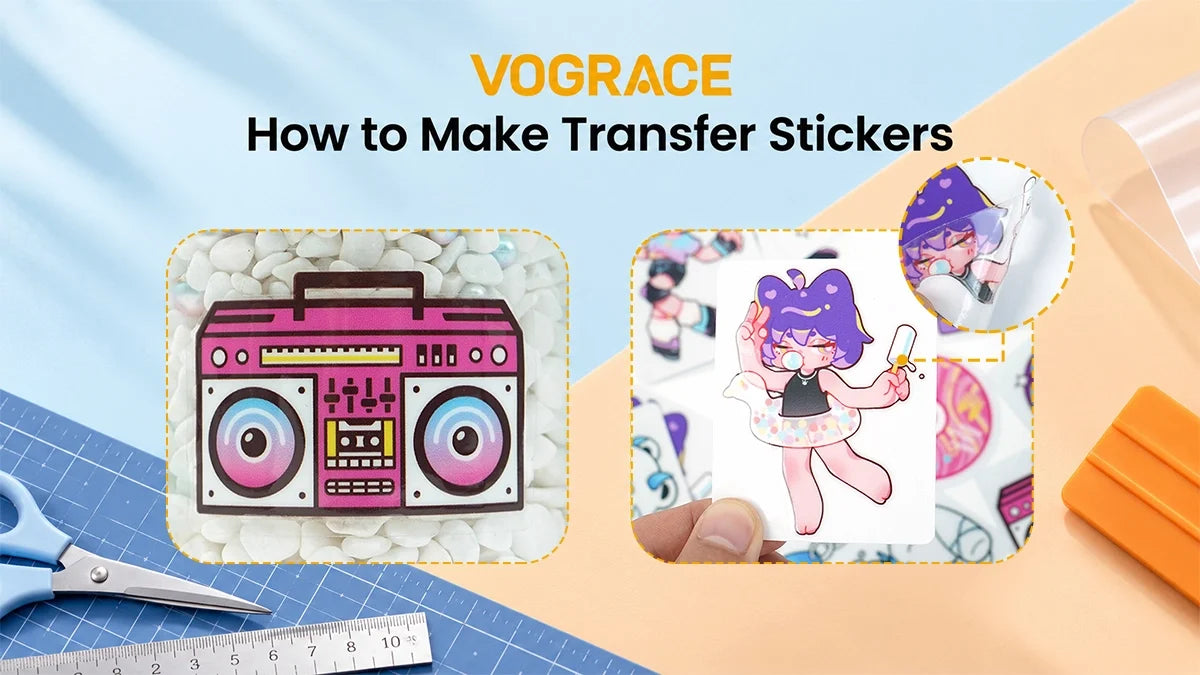
Transfer stickers are awesome, and they look like they were printed straight onto a bottle, laptop, or window. Unlike regular stickers, they have no clear background and no white box, just the design, and making them at home is actually easy.
In this guide, you'll learn what transfer stickers are, what you need to make them, and the full step-by-step DIY process. Once you're finished, you'll be able to make transfer stickers so clean that most people think they came right out of a printing shop.
What Are Transfer Stickers, and Why Do People Love Them?
A normal sticker is one full piece. You peel the backing and stick the whole thing, including the background.
A transfer sticker is different, because it only transfers the actual design. Let's say your design is the word "DIY" in a handwritten style. Only the letters transfer and not the gap between them, and it looks like the text was painted directly on the surface.
People love transfer stickers for a few reasons. First, there is no background, so the stickers look professional and neat.
Second, you can stick them almost anywhere. As long as the surface is smooth, clean, and dry, transfer stickers work amazingly well. You can put them on water bottles, car windows, mugs, phone cases, mirrors, and much more.
Moreover, making them at home is extremely satisfying. The method we're going for uses permanent vinyl along with transfer tape. It is the easiest, cheapest, and best way to make transfer stickers at home.
Materials You'll Need
● Cricut or a similar cutting machine
● Permanent adhesive vinyl
● Transfer tape
● Vinyl weeding tool
● Tweezers
● Vinyl scraper (or an old gift card)
How to Make Transfer Stickers Step by Step

While the process is simple, it's important that you take your time. Rushing causes air bubbles and torn letters.
Step 1: Create Your Design
Open your favorite design software and create a new design, or import one you already have. For beginners, simple designs are always best, like bold fonts, simple icons, and names.
Check the spacing between the letters. If they are too close, they will be hard to weed.
If the design contains thin lines, they will tear when you transfer them, so avoid those and small letters for now.
When you are happy with the design, save it and send it to cut.
Step 2: Cut the Design
Take your vinyl and place it on your cutting mat. The colored side should face up, and the paper backing should face down, stuck to the mat. Smooth it down with your hand to make sure there are no air bubbles.
Now, load the mat into the machine. In the software, choose your material. It is usually called premium vinyl or permanent vinyl, but the name can differ from machine to machine. If you're unsure, run a small test cut on a corner.
Once everything seems right, hit cut. The machine will cut through only the vinyl layer and not the backing paper. You should be able to see the cut lines, but the sheet should still be in one piece.
Step 3: Weed the Design
Weeding simply means removing the excess vinyl you do not need in the design.
Remove the vinyl sheet from the mat and place it on a table. Start from one corner and peel away the big outer area around your design.
Weeding small pieces of vinyl can be tricky, especially the ones inside letters like R, B, A, and Q that you don't need. Use your weeding tool to poke and lift those off slowly. This step takes patience, and if you rush, you might pull up part of your design by mistake.
Once you're done weeding, only your design should be left on the backing paper, and all the excess vinyl should be gone.
Step 4: Apply Transfer Tape
Next, cut a piece of transfer tape slightly larger than your design. Peel the transfer tape off its backing, hold it over your weeded design, and lay it down from one side to the other. Make sure to avoid any air bubbles in the process.
Once the tape is applied, take your scraper or an old gift card and rub it over the whole thing. Use enough pressure to make the vinyl stick to the transfer tape. If you use too little, the design won't transfer.
Then flip the sheet and rub the back as well. The goal is to make the vinyl stick to the transfer tape so it comes off its own backing when you peel.
Step 5: Remove the Backing
Now turn it over once more and slowly peel the backing paper off the vinyl.
Your design should lift and stay on the transfer tape. If a piece is still stuck to the backing, lay it back down, rub that area once more with a scraper, and then try again.
You should now have your design floating on clear tape. This is your transfer sticker, ready to apply!
Step 6: Transfer the Sticker
Before applying the sticker, clean the surface really well with rubbing alcohol, or wash it with soap and water if needed. Make sure the surface is completely clean and dry before proceeding to the next step.
Hold the transfer tape with your design and place it where you want it. Once it is in position, press it down with your hand first. Then use a scraper or gift card to rub over it again. The better you press now, the better it sticks later.
Step 7: Peel Away the Transfer Tape
Now for the final step. Slowly peel the transfer tape off at a sharp angle, and take your time.
Watch the design as you peel. If a letter or the design tries to come up with the tape, stop, lay that bit back down, and rub it hard again.
Once the tape is off, run your finger over the design one more time. And that's it. You just made a transfer sticker!
This is a great DIY project, but there are a few limitations you should know.
First, you need a cutting machine, because doing this by hand is complicated.
Second, there are colors to think about. This method is best for one-color designs. For multiple colors, you need layering.
Third, there's weeding, which can get tiring when your design has tiny details and thin lines. So what's the workaround?
Get Custom Transfer Stickers From Vograce

If you love the look of a transfer sticker but want to skip the tiring DIY process, we offer custom transfer stickers made from your own artwork.
Unlike DIY stickers, ours aren't limited by colors, size, or design. We can bring even detailed artwork to life, from small logos to big designs, with sharp lines and smooth edges. We also offer transfer stickers in various sizes, and you can use them for laptops, notebooks, outdoor use, and more.
Simply upload your design, check the preview in our online editor, and then select the size and quantity to place your order. Whether it's one design for yourself or a set to share with friends, our low MOQ lets you order only what you need and try new ideas without committing to a big batch.